How to Count Words, Characters, and Reading Time Online
Count words, characters, sentences, and reading time in real time. Free word counter for essays, SEO, and social posts. Private, browser-based.
June 3, 2026 · 3 min read · Guides & Tips
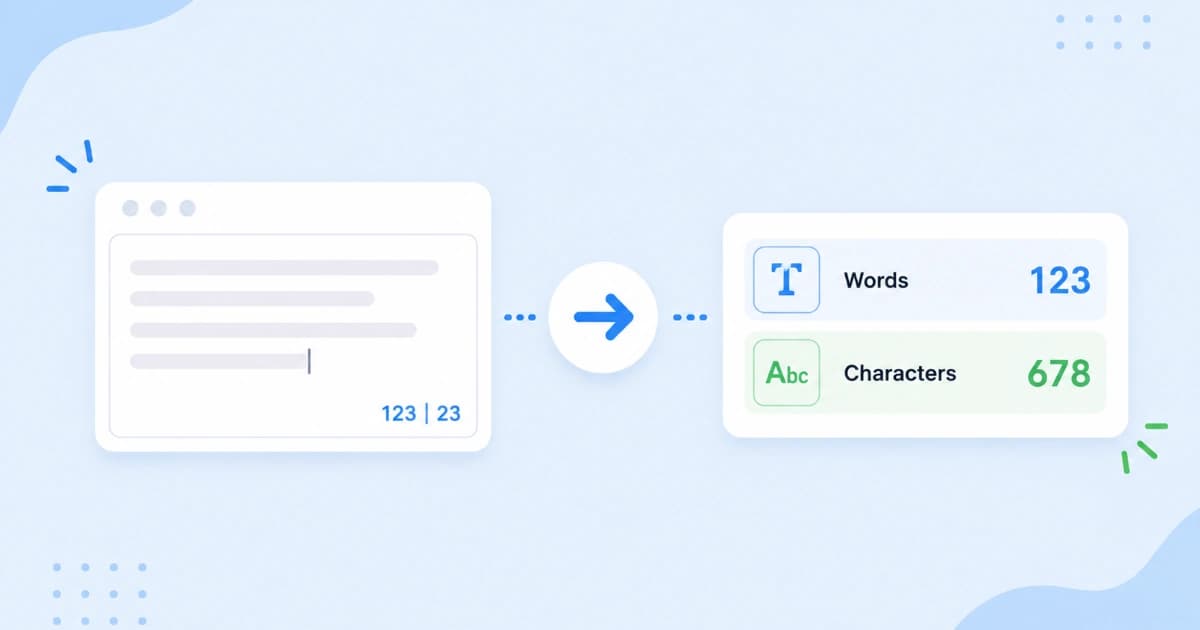
Assignments say "1,500 words." Meta descriptions cap at ~155 characters. Clients ask for "2 minute read" blog posts. A word counter answers those questions instantly. Our Word Counter updates stats as you type - no account, and your draft stays on your device.
What the numbers mean
| Metric | Typical use |
|---|---|
| Words | Essays, blog length, freelance briefs |
| Characters (with spaces) | Social limits, some ad copy |
| Characters (no spaces) | Legacy SMS-style limits |
| Sentences / paragraphs | Readability checks |
| Reading time | Blog headers, newsletter intros |
Use the metric your editor or platform actually enforces.
Step-by-step
- Open Word Counter.
- Paste your draft or start typing.
- Watch counts update in real time.
- Edit until you hit the target.
Copy out when finished. There is no auto-save to the cloud.
Students and academics
- Stay within essay limits without manual counting.
- Check abstract length before submission portals reject uploads.
- Trim repetition when word count is high but argument feels thin.
Quote long sources separately if your institution excludes bibliography words from limits (policy varies; the tool counts everything you paste).
SEO and content marketing
- Blog posts: Many informational queries rank best with 1,200-2,000 words when depth matters. Count sections, not just total fluff.
- Meta description: Aim for 150-160 characters with spaces. Paste the meta line alone into the counter.
- Title tags: Roughly 50-60 characters visible in Google. Shorter is fine if the title is clear.
Pair with Text Case Converter for consistent headline casing.
Social media limits (check current platform docs)
Platforms change limits. Always verify live rules. Rough planning ranges:
- Short posts: character limits matter more than word count.
- Long-form captions: word count helps pacing.
Count the exact post text, including hashtags and links (URLs count as characters).
Reading time for blogs
If the tool shows ~1,000 words and 200 wpm, expect about 5 minutes reading time. Round up for technical tutorials with code blocks. Use reading time in the intro to set expectations.
Privacy for sensitive drafts
Unpublished contracts, internal memos, and patient narratives should not go to untrusted websites. Convert Freely processes text locally. Still avoid public tools on regulated data if policy forbids any browser processing.
Related text tools
- Change casing: Text Case Converter.
- Remove duplicate lines: Duplicate Line Remover.
- Clean formatting: paste through duplicate remover after imports from PDF.
Conclusion
Open Word Counter, paste, hit your target, ship the piece. For more productivity guides see Guides & Tips and best free tools for students.
Frequently asked questions
- What counts as a word?
- Runs of characters separated by spaces usually count as words. Hyphenated terms may count as one word depending on the tool. Numbers and URLs often count as single tokens.
- Do spaces count as characters?
- Yes in 'characters with spaces' mode. 'Characters without spaces' ignores spaces and is common for SMS-style limits.
- Is my text saved when I use an online word counter?
- Not with Convert Freely. Counting happens in your browser. Closing the tab clears unless you saved the text yourself.
- How is reading time calculated?
- Typically word count divided by 200-250 words per minute for English prose. Technical content may read slower; adjust expectations for dense posts.
- Can I count words in a PDF or Word file?
- Copy the text and paste into Word Counter. For PDFs, copy from your reader or export to text first. Scanned PDFs need OCR before counting.